Selfie Beauty Camera 20161.0
Publisher Description
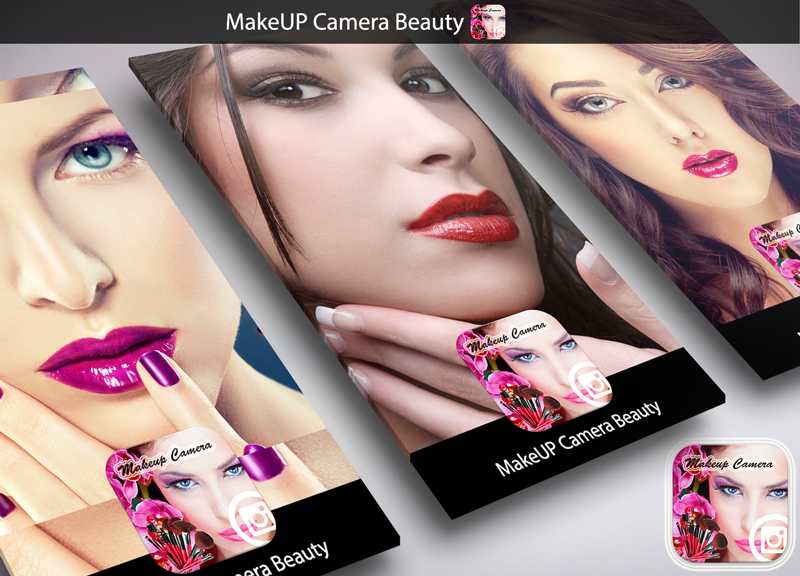
Touch your InstaBeauty immediately. Cool presets to apply filters on the zoom live, so that way you have a live photo editor. Is this filter in real time is a wonderful feature of this application
When you make photo darkroom, face or object it will not be so beautiful as usual. House of InstaBeauty helps solve the problem. House with beauty, you're gonna wound to beauty selfie camera.
House of Beauty Camera helps to smooth skin in one second after taking a Face photo or select selfie returned to selfie easier and more fun.
You can not just settle the brightness, but as tonal and detail of the photo. With the application, you can also smooth the skin, remove stain on the face.
Best beauty app ever selfie Effects !
How to use Face InstaBeauty selfies camera:
★1. Take a nice picture with the unique artistic filters available.
★2. Edit Photo with photo editing options selfie simple and easy, or make a collage.
★3. Share selfie on social media and others social networks.
★★TRY OUR Beauty Selfies Camera APPLICATION AND YOU WILL NEVER REGRET IT ★★
THANK YOU FOR DOWNLOADING AND GIVE US A FIVE 5 STARS
About Selfie Beauty Camera 2016
The company that develops Selfie Beauty Camera 2016 is NovaSApps. The latest version released by its developer is 1.0.
To install Selfie Beauty Camera 2016 on your Android device, just click the green Continue To App button above to start the installation process. The app is listed on our website since 2016-05-27 and was downloaded 14 times. We have already checked if the download link is safe, however for your own protection we recommend that you scan the downloaded app with your antivirus. Your antivirus may detect the Selfie Beauty Camera 2016 as malware as malware if the download link to com.instabeauty.novasapps is broken.
How to install Selfie Beauty Camera 2016 on your Android device:
- Click on the Continue To App button on our website. This will redirect you to Google Play.
- Once the Selfie Beauty Camera 2016 is shown in the Google Play listing of your Android device, you can start its download and installation. Tap on the Install button located below the search bar and to the right of the app icon.
- A pop-up window with the permissions required by Selfie Beauty Camera 2016 will be shown. Click on Accept to continue the process.
- Selfie Beauty Camera 2016 will be downloaded onto your device, displaying a progress. Once the download completes, the installation will start and you'll get a notification after the installation is finished.
